Lesson 2 — Sign up creates the account
Wire the auth instance, generate the schema, mount the catch-all handler. Sign-up creates the user and account rows, then redirects to the verification screen with no session yet.
Before a web app can do anything, it has to answer one question: who is this request from?
This chapter builds that answer: a runnable email and password auth flow with a verification gate.
A visitor signs up, a verification email lands in their inbox, the link signs them in on a protected /dashboard, and signing out deletes their session and returns them to the sign-in page.
This first lesson builds none of that. It stands up the starter, fills in the environment, and confirms it runs, so the moving parts are in place when you wire auth in the next lesson. By the end you will have Postgres running and the dev server serving the sign-up and sign-in shells and a placeholder dashboard.
The four screenshots below are the finished flow the next four lessons build, not what your starter renders today.
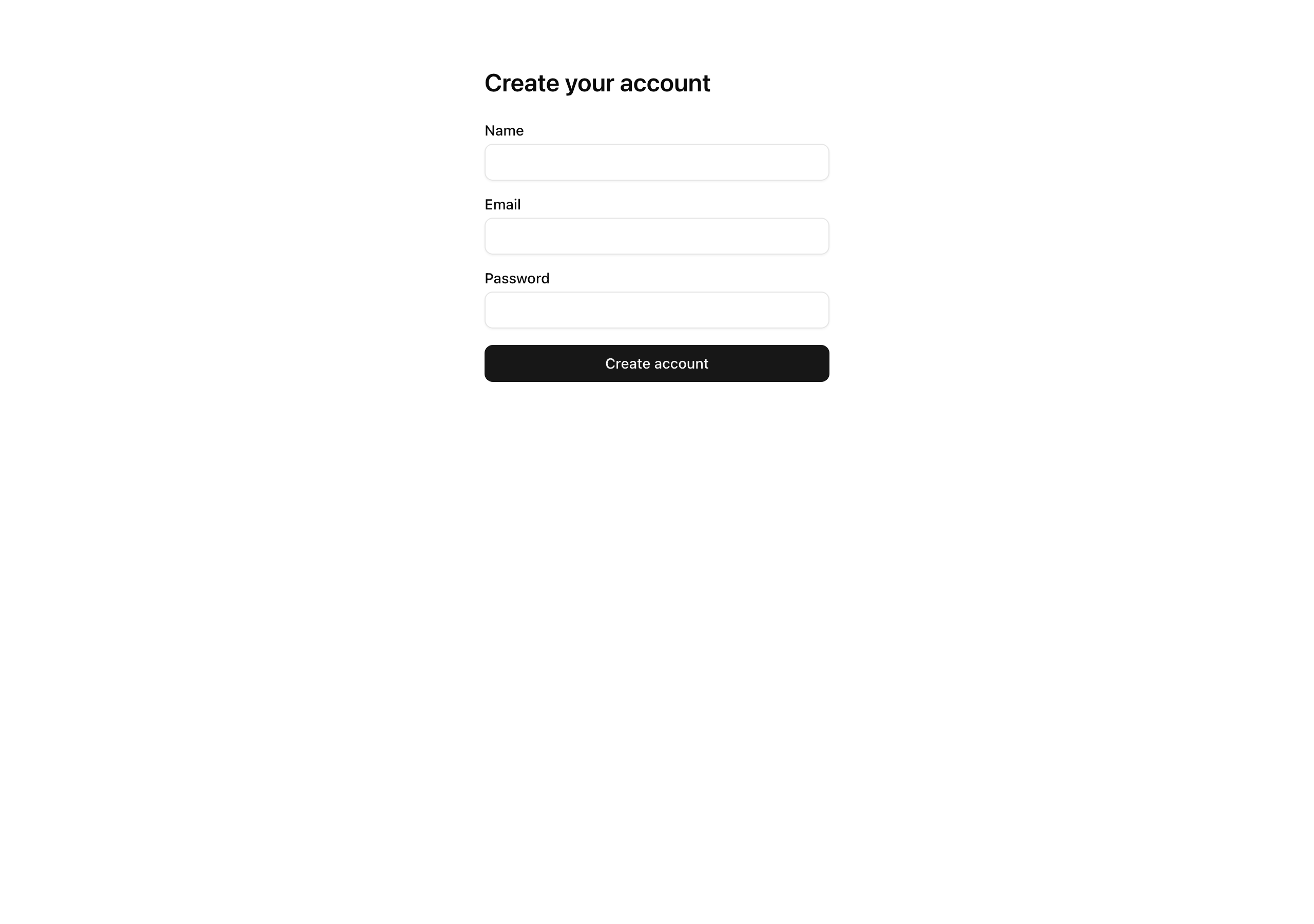
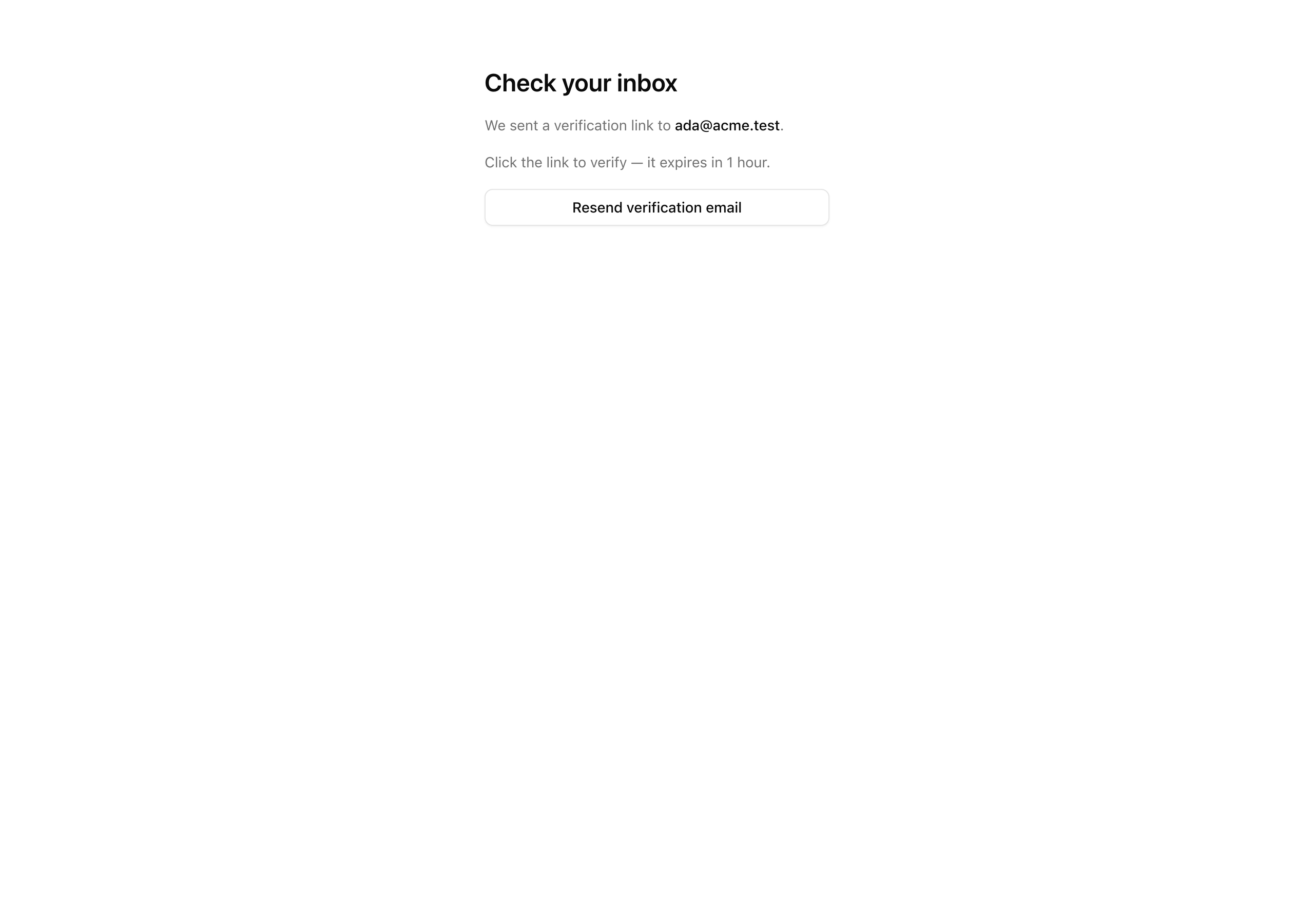
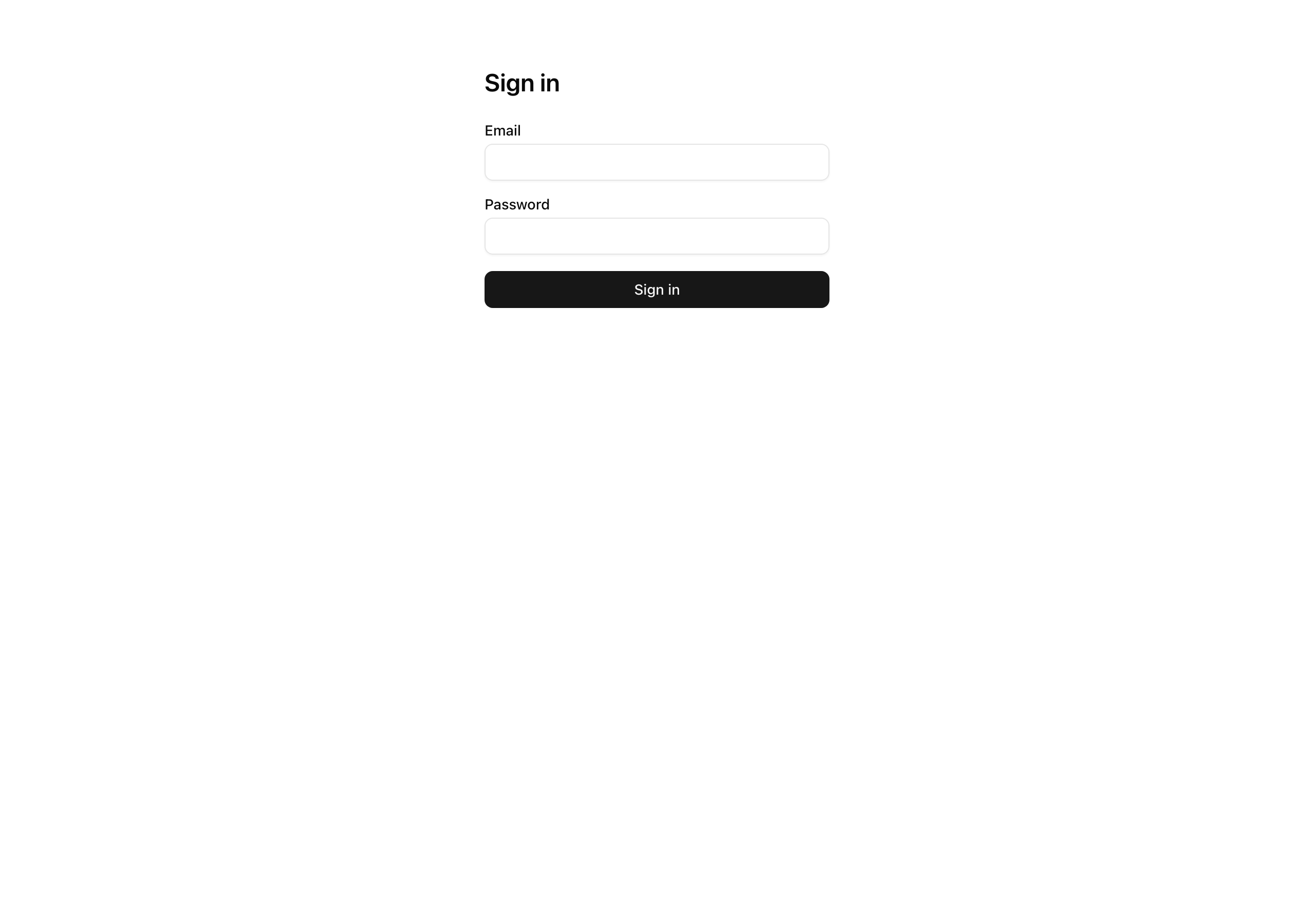
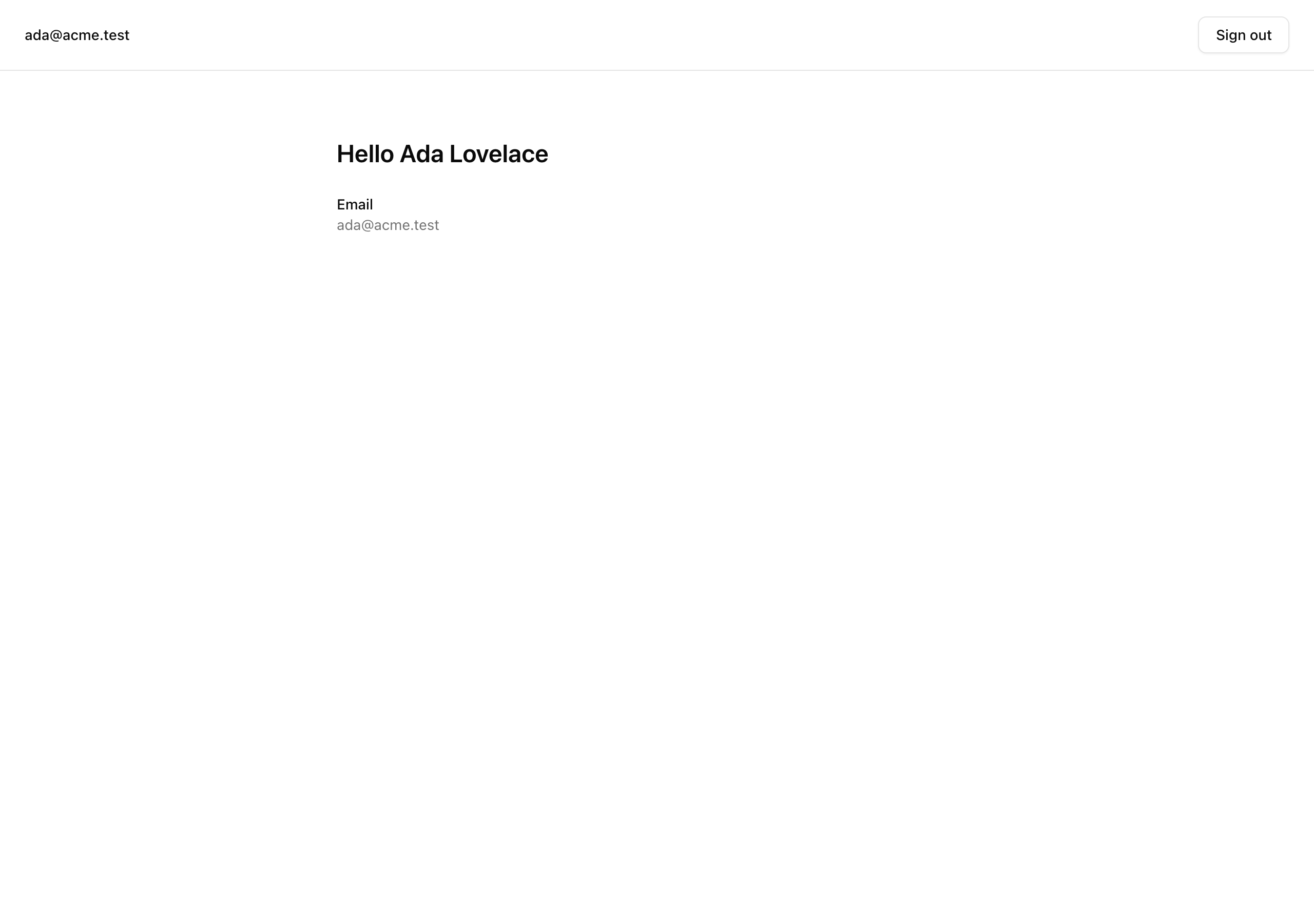
This chapter assembles the authentication pieces into one sign-up, verification, and sign-in flow. Across four lessons you will:
auth instance and read the four-table schema (user, session, account, verification) the CLI generates.Result shape, with Zod parsing the form at the boundary.proxy.ts plus a validating read in the protected layout.Out of scope: OAuth providers, passkeys, two-factor, magic links, password reset, account linking, rate limiting, organization scoping, and audit logs.
Follow one request through the flow the next four lessons build:
/sign-up. A Server Action calls auth.api.signUpEmail, creating the user and account rows but issuing no session, because the project runs with requireEmailVerification: true. The visitor is redirected to /verify-email with no cookie.sendVerificationEmail callback rides the existing Resend pipeline to deliver the link. The token is a stateless signed JWT carried in the URL, so the verification table stays empty./api/auth/[...all] handler, the single route file serving every Better Auth endpoint. Verification flips emailVerified to true and, via autoSignInAfterVerification, issues the session; the nextCookies() plugin lands the Set-Cookie header. This is the first point in the flow where a cookie exists./dashboard. proxy.ts runs a cookie-presence redirect with no database read, while the protected layout.tsx runs the validating requireUser() read. The proxy is the fast first line; the layout catches a cookie that looks present but no longer maps to a live session.%%{init: {'flowchart': {'nodeSpacing': 28, 'rankSpacing': 42}, 'themeCSS': '.nodeLabel, .nodeLabel * { font-size: 17px !important; } .edgeLabel, .edgeLabel * { font-size: 15px !important; }'} }%%
flowchart LR
browser(["<b>Browser</b><br/>/sign-up"])
action["<b>Server Action</b>"]
api["<b>auth.api</b><br/>signUpEmail<br/>rows, no session"]
resend(["Resend<br/>sends link"])
handler["<b>catch-all handler</b><br/>verify + sign in"]
gate["<b>two-layer gate</b><br/>/dashboard"]
browser --> action
action --> api
api --> resend
action -- "no session yet" --> handler
resend -. "email link" .-> handler
handler -- "cookie lands here" --> gate
class browser edge
class action,api cookieless
class resend mail
class handler born
class gate guarded
classDef edge fill:#1f2937,stroke:#94a3b8,color:#f8fafc
classDef cookieless fill:#fef3c7,stroke:#b45309,color:#111,stroke-width:2px
classDef mail fill:#e0e7ff,stroke:#4338ca,color:#111,stroke-width:2px
classDef born fill:#bbf7d0,stroke:#15803d,color:#111,stroke-width:2px
classDef guarded fill:#dbeafe,stroke:#1d4ed8,color:#111,stroke-width:2px You start from the layout below.
The bold files are stubs you fill in this chapter; each comment opens with the lesson that fills it (TODO L2, TODO L3, …) and names what lands there.
Everything else is already done, with a comment only when a lesson touches it or it changed from the previous chapter.
email_suppressions + enum only; no auth tablesdb:*, auth:generate, test:lesson scripts?next= round-trip, inverse gatebetterAuth instance, SESSION_COOKIE_PREFIX, getCurrentUser, requireUserResultResult<T>, ok, errsafeNext open-redirect guardsendEmail wrapperemail_suppressions table + enum[...all] /
useActionState client form?next=, passes it to the formrequireUser() + nav with email and sign-outLesson 2–Lesson 5 suites, stubbed for nowThe (auth) and (protected) folders drop their leading underscore on purpose: the parentheses make them App Router route groups.
A route group stays out of the URL while letting its folders share a layout, so /sign-in and /sign-up get one chrome and /dashboard another.
Two stubs look odd.
src/db/schema/auth.ts ships empty because you don’t hand-write its four tables: the Better Auth CLI generates them and you commit the result.
src/lib/auth-schema.config.ts is a stripped-down mirror of auth.ts that exists only to give the CLI something to load, since the real auth.ts opens with 'server-only', which the generator can’t import.
Four lessons turn the stubs into a running flow, each closing on a state you can confirm: a row in Studio, a redirect in the address bar, or a cookie that does or doesn’t exist.
Lesson 2 — Sign up creates the account
Wire the auth instance, generate the schema, mount the catch-all handler. Sign-up creates the user and account rows, then redirects to the verification screen with no session yet.
Lesson 3 — The email verification gate
Build the verification email and turn on the gate, then prove the link verifies the user and signs them in.
Lesson 4 — Sign in, with unverified refusal and safe redirects
Add the sign-in action: opaque credential errors, refusal of unverified accounts, and the ?next= open-redirect closure.
Lesson 5 — Gate the protected surface
Add the cookie-presence proxy, the layout’s validating read, the inverse gate, and a sign-out that deletes the session row.
Work through these in order. You are done when the dev server boots and the pages below render. The actions and the gate are still stubs, so you are standing up the shell, not the flow.
Get the starter codebase from the project repository, under Chapter 055/start/:
pnpm dlx degit terencicp/react-saas-course-projects/Chapter-055/start email-password-authcd email-password-authdegit copies that folder into a fresh email-password-auth directory with no git history. Every chapter ships start/ and solution/ siblings, so you can diff against the reference anytime.
Bring up Postgres:
docker compose up -dThis starts the postgres:18 service on port 5432 in the background. The first run pulls the image; later runs are instant.
Install the dependencies:
pnpm installThe repo is pnpm-only: a preinstall hook blocks other package managers, and versions are pinned.
Copy the example env file and fill in the values (the table below covers every variable):
cp .env.example .envThe database variables already match the Docker Postgres above. You supply two yourself: a fresh BETTER_AUTH_SECRET and your carried-in Resend values.
Run the existing migration. It creates only the email_suppressions table and the suppression_reason enum; the auth tables land in the next lesson:
pnpm db:migrateStart the dev server:
pnpm devThe Next app comes up at http://localhost:3000.
Generate the auth secret with one command. It returns the base64-encoded 32 bytes of CSPRNG output that Better Auth wants for signing cookies and tokens:
openssl rand -base64 32| Variable | Purpose | How to get it |
|---|---|---|
DATABASE_URL | Postgres connection string. | Matches the docker-compose.yml defaults; leave as-is. |
DATABASE_URL_UNPOOLED | Same value locally. The pooled/unpooled split lets a managed Postgres drop in later without renaming anything. | Leave as-is. |
SEED | Seed toggle. | Leave as 1. |
BETTER_AUTH_SECRET | Signs session cookies and verification tokens. Server-only. | A fresh value from openssl rand -base64 32. Use a different one per environment; reusing one across environments is the failure mode the Better Auth setup chapter warned about. |
BETTER_AUTH_URL | The auth server’s origin. | http://localhost:3000. |
NEXT_PUBLIC_APP_URL | The public app origin. | http://localhost:3000. Split from BETTER_AUTH_URL for deploys where the auth-server origin differs from the public one; here they match. |
RESEND_API_KEY | Authenticates the verification-email send. | Carry-in from the email chapter: your Resend API key. |
EMAIL_FROM | The verified sender identity, in Name <addr> form. | Carry-in from the email chapter. |
EMAIL_REPLY_TO | The reply-to address. | Carry-in from the email chapter. |
NEXT_PUBLIC_APP_NAME | The app name shown in the email chrome. | Carry-in from the email chapter. |
On success, the app boots into the starter’s deliberately-unwired state:
/ redirects to /sign-in./sign-up and /sign-in render their forms, but submitting does nothing: both actions return Not implemented, which you wire up over the next lessons./dashboard serves a static “Dashboard” placeholder with no auth gate, so anyone can open it now.pnpm db:studio shows only the email_suppressions table; there are no user, session, account, or verification tables yet.