Sign in, with unverified refusal and safe redirects
Sign-up and verification are done, so accounts can be created and proven. This lesson builds the door they walk through afterward: a verified user signs in and lands exactly where they were headed, while an unverified user is turned away and a hostile ?next= value is defused before it can hijack the redirect.
The action you ship is small. By the end, four things hold on /sign-in: valid credentials redirect to the sanitized ?next= value, or to /dashboard when there isn’t one; a wrong email and a wrong password both surface the same flat “Invalid email or password.” message; an account that hasn’t verified its email is refused inline with a resend link; and a crafted ?next=//evil.com lands the user on /dashboard instead of an attacker’s origin.
Your mission
Section titled “Your mission”The action is, structurally, a near-mirror of the sign-up action you wrote earlier. Same parse-at-the-boundary seam: Object.fromEntries(formData) through a Zod schema before anything else runs. Same auth.api.* call wrapped in a try/catch. Same canonical Result shape returned on failure. So the mechanics are not the point of this lesson — you have already done them once. The point is the two decisions that sit around the call to auth.api.signInEmail, and both are security decisions an inexperienced developer gets subtly wrong.
The first is the error handling. When a sign-in fails, the temptation is to be helpful: “no account with that email,” then “wrong password.” That helpfulness is an account-enumeration oracle — it lets an attacker probe which emails are registered, one request at a time, which is exactly the vector you closed at the source back in the email+password sign-in chapter. So wrong-email and wrong-password must collapse into a single opaque message that reveals nothing about which one was wrong. The unverified case is different, and the difference is what makes it safe to distinguish: that message only ever surfaces after the password already matched. Matching the password is itself proof you control the account, so telling that caller “verify your email” leaks nothing they didn’t already know. You will not write either branch by hand — the provided mapAuthError helper turns Better Auth’s thrown error codes into the right Result for you. Reuse it; do not reinvent a parallel error shape.
The second decision is the redirect. The ?next= value rides in from the URL, which means it is attacker-controlled — anyone can hand a victim a link with whatever next they like. If you pass it straight to redirect(), you have built an open redirect: a page on your own domain that bounces visitors to an external origin, the perfect launchpad for a phishing link that looks like it came from you. So ?next= runs through the provided safeNext guard before it ever touches redirect(). Reuse that helper too — it is already written and tested.
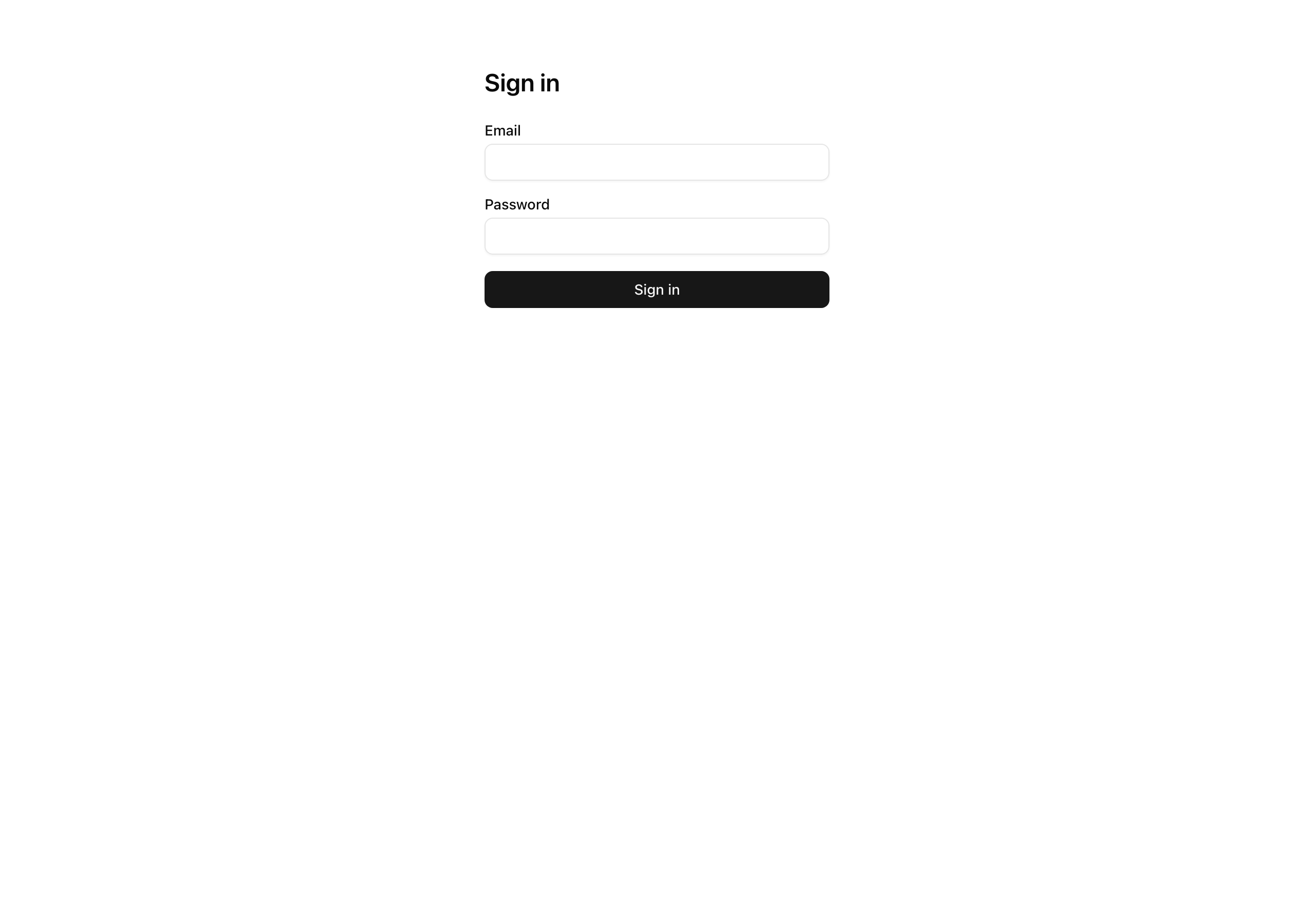
You do not need to touch any UI. The SignInForm already carries next as a hidden input sourced from the page’s search params, already renders your error card from the action’s result, and already shows a resend link when that result is forbidden. All of that wiring is in place; your job is the action behind it.
Out of scope: the request-time gate that produces the ?next= value in the first place — the proxy redirect, the layout’s validating read, the inverse bounce that keeps signed-in users off /sign-in — all land in the next lesson. This lesson only consumes and sanitizes ?next=; it does not produce it.
/sign-in with a verified account’s correct credentials redirects to /dashboard./sign-in?next=/dashboard/billing redirects to /dashboard/billing./sign-in?next=//evil.com or ?next=https://evil.com redirects to /dashboard, never to the external origin.signInEmail.Coding time
Section titled “Coding time”Write signInAction in src/app/(auth)/sign-in/actions.ts against the brief and the tests, then open the walkthrough below to compare.
Reference solution and walkthrough
Only one file changes this lesson. Here it is in full.
'use server';
import type { Route } from 'next';import { redirect } from 'next/navigation';import { z } from 'zod';
import { auth } from '@/lib/auth';import { mapAuthError } from '@/lib/auth/error-mapping';import { safeNext } from '@/lib/redirects';import { err, type Result } from '@/lib/result';
const SignInSchema = z.strictObject({  email: z.string().trim().toLowerCase().pipe(z.email()),  password: z.string().min(1),  next: z.string().optional(),});
export const signInAction = async (  _prevState: Result<never> | null,  formData: FormData,): Promise<Result<never>> => {  const parsed = SignInSchema.safeParse(Object.fromEntries(formData));  if (!parsed.success) {    return err(      'validation',      'Check the highlighted fields.',      z.flattenError(parsed.error).fieldErrors,    );  }
  // No authorize seam: the credential check is the authorization.
  const { email, password } = parsed.data;  try {    await auth.api.signInEmail({ body: { email, password } });  } catch (e) {    return mapAuthError(e);  }
  const next = safeNext(parsed.data.next);  redirect((next ?? '/dashboard') as Route);};
The schema
Section titled “The schema”SignInSchema looks like the sign-up schema with two deliberate differences.
The first is password: z.string().min(1). At sign-up you enforced a twelve-character floor, because that is where the strength gate belongs. At sign-in there is no strength gate — the password is either the right one or it isn’t, and auth.api.signInEmail is the only thing that can tell. So Zod checks for presence only; a short password isn’t rejected here, it’s just sent to the credential check, which rejects it like any other wrong password. Putting a .min(12) here would be a category error: it would let an attacker rule out short passwords without ever hitting your auth backend.
The second is that next rides along in the same schema, z.string().optional(). The form submits it as a hidden field, so it arrives in the same FormData as the credentials and gets parsed at the same boundary. Keeping it in the schema means every value crossing the action boundary — credentials and redirect target alike — passes through one validation seam, with nothing pulled raw off formData afterward.
The parse-and-bail shape
Section titled “The parse-and-bail shape”If safeParse fails, the action returns err('validation', 'Check the highlighted fields.', z.flattenError(parsed.error).fieldErrors) and stops. This is the same canonical Result you returned from sign-up, and it is what covers the untested requirement: a malformed email or an empty password fails the parse and short-circuits before the try block, so signInEmail is never called. The form re-renders with the inline field errors through its useActionState and <FieldError> wiring — no work for you to do, because the form was built for exactly this result. If the Result discriminant or the useActionState round-trip is hazy, the forms and server-actions chapter is where they’re taught in full.
Where the security lives
Section titled “Where the security lives”try { await auth.api.signInEmail({ body: { email, password } });} catch (e) { return mapAuthError(e);}This is the load-bearing block, and it does not look like it. There is no if for “wrong password” and no if for “unverified” — both outcomes flow through the single catch and the single mapAuthError call. The branching you would expect to write lives inside the helper:
const code = error.body?.code;if (code === 'INVALID_EMAIL_OR_PASSWORD') { return err('unauthorized', 'Invalid email or password.');}if (code === 'EMAIL_NOT_VERIFIED') { return err('forbidden', 'Verify your email before signing in.');}Two things in there matter.
The opaque message is one userMessage string serving both a missing account and a wrong password. Better Auth raises the same INVALID_EMAIL_OR_PASSWORD code for either, so the mapper hands back one identical unauthorized result for both — that is what closes the enumeration vector. The test that pins this asserts the two messages are byte-identical, not merely similar: any wording difference, however small, rebuilds the oracle. If you find yourself wanting to be more helpful here, that instinct is the bug.
The unverified refusal is the part that looks like a missing branch. Nowhere in your action do you check whether the email is verified — yet an unverified account is reliably refused. That refusal is produced upstream, by the requireEmailVerification: true you set on the auth instance two lessons ago. When that flag is on, signInEmail validates the password first and only then checks verification, throwing EMAIL_NOT_VERIFIED if it fails. mapAuthError turns that into a forbidden result, and the form keys its resend link on error.code === 'forbidden'. This ordering is precisely why distinguishing the unverified case is safe: the message can’t surface until the password has already matched, so it tells an attacker who doesn’t control the account nothing at all.
Both failure branches return a Result and never call redirect() — and a session is only ever issued on the success path, so a failed sign-in sets no cookie. There is nothing to revoke because nothing was granted.
Closing the open redirect
Section titled “Closing the open redirect”const next = safeNext(parsed.data.next);redirect((next ?? '/dashboard') as Route);safeNext is the guard between an attacker-controlled string and the browser’s address bar. Here is the whole of it:
export const safeNext = (raw: unknown): string | undefined => { if (typeof raw !== 'string') { return undefined; } if (!raw.startsWith('/') || raw.startsWith('//') || raw.includes(':')) { return undefined; } return raw;};It admits exactly one shape — a string that starts with a single / — and rejects everything else, one clause at a time:
- Not starting with
/is not a same-origin path at all; rejected. - Starting with
//is a protocol-relative URL.//evil.comlooks like a path, but the browser reads it as “the current scheme plus that host” and resolves it tohttps://evil.com. This is the trap, and it is why a naivevalue.startsWith('/')check is not enough. - Containing
:catches absolute URLs (https://evil.com) and thejavascript:scheme, both of which a same-origin path can never contain.
Anything that fails returns undefined, and the caller falls back to /dashboard — so a hostile ?next= doesn’t error the request, it just quietly loses. A valid relative path like /dashboard/billing passes through untouched and is honored. The open-redirect reasoning, and the two-layer gate this ?next= round-trip belongs to, are covered in full in the request-time gate chapter.
One detail that reads oddly at first glance: the as Route cast on the redirect() argument. The project runs with typedRoutes: true, which types redirect() against the set of routes that actually exist in the app, so TypeScript can catch a typo’d path at build time. But next is a runtime string — its value isn’t knowable when the types are checked — so the compiler can’t confirm it points at a real route. The cast tells it the runtime value is a legitimate route, which is safe here because safeNext has already guaranteed it is a same-origin path. The cast is downstream of the guard, not a replacement for it.
Reference for signInEmail, requireEmailVerification, and the EMAIL_NOT_VERIFIED error this action maps.
Why an attacker-controlled ?next= is an open-redirect vector, and how allow-list validation like safeNext closes it.
The account-enumeration rule behind the byte-identical error message for wrong email and wrong password.
Moment of truth
Section titled “Moment of truth”Run the lesson’s test suite:
pnpm test:lesson 4The suite seeds a verified account and an unverified one, then drives the action and reads the rows it leaves behind. Expect every test to pass, covering the successful redirect to /dashboard, a valid ?next= honored, //evil.com and https://evil.com both falling back, the byte-identical opaque message across wrong-email and wrong-password, the forbidden result for the unverified account, and a session count that stays put on every failure path.
 ✓ tests/lessons/Lesson 4.test.ts (7 tests)
 Test Files  1 passed (1)      Tests  7 passed (7)
The tests assert the action’s behavior; confirm the two things they can’t see in the running UI:
session_token cookie set on either (check DevTools → Application → Cookies).authClient.sendVerificationEmail.